 Permanently deleted user
The subscription & billing area can be found via Settings > Subscription and billing. The subscription & billing areas are then split into two tabs.
Subscription
If you are subscribing for KashFlow Payroll through the 'Subscription' area, then upon selecting the package and clicking 'Go', you will be navigated to 'Customer Information' tab.
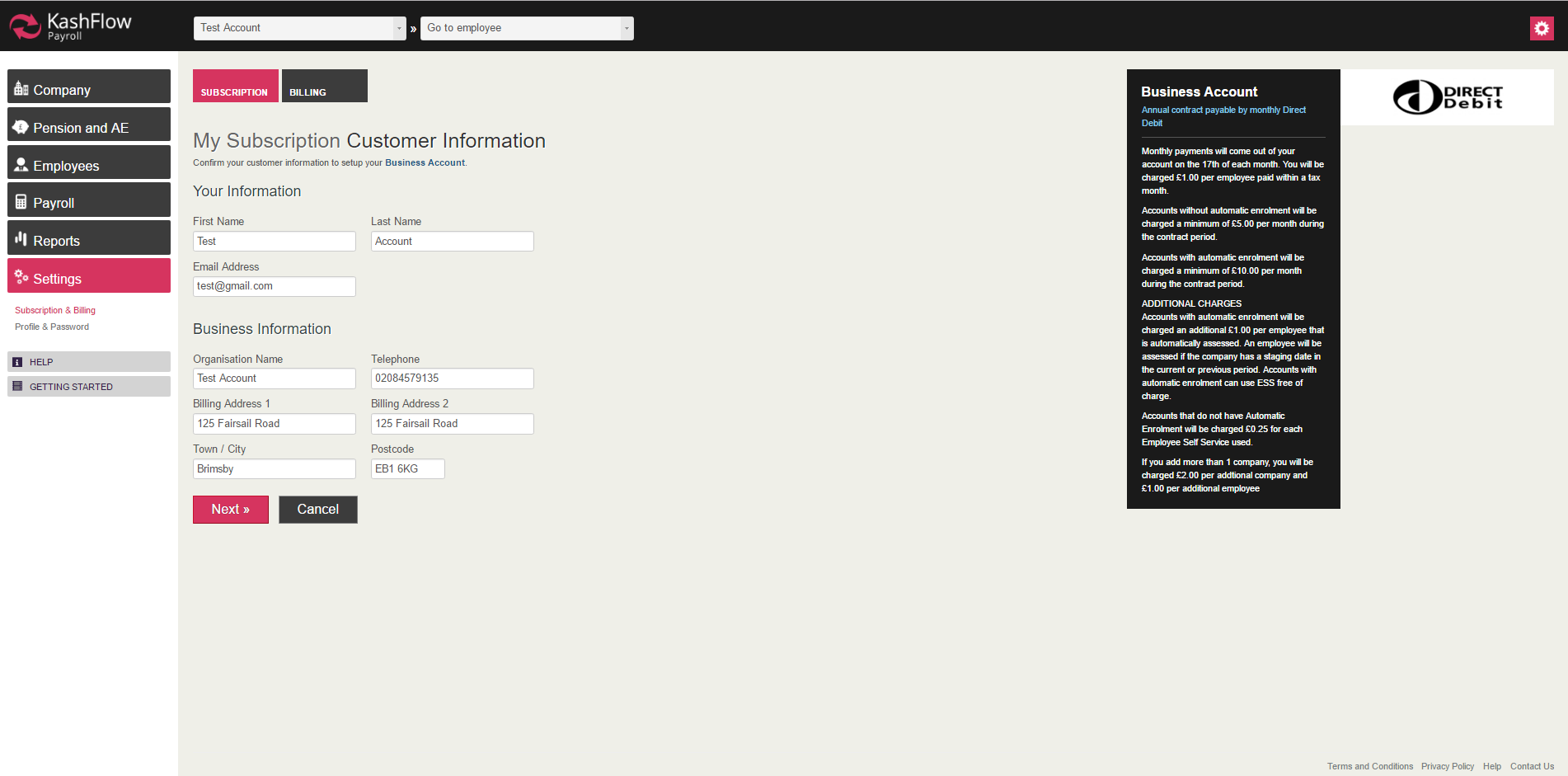
Your information: This is where you enter or edit your full name and email address.
Business information: In this area you can enter or edit your business name, telephone number and business address.
Your subscription: this is where you can view an overview of your total companies managed through payroll, total employees, and the number of people set up to use the employee self service.
Upgrade Now: in order to subscribe or upgrade your payroll account please click ‘go’ below this box. You will then be taken to fill out a direct debit for your subscription.
Billing
This is where you can view or download previous invoices generated by your KashFlow Payroll subscription.
Accountants
If you are a Accountant then we’ll ask you to please contact 0843 357 1830 for our competitive accountants tariff.

1 Comments