 Farzana
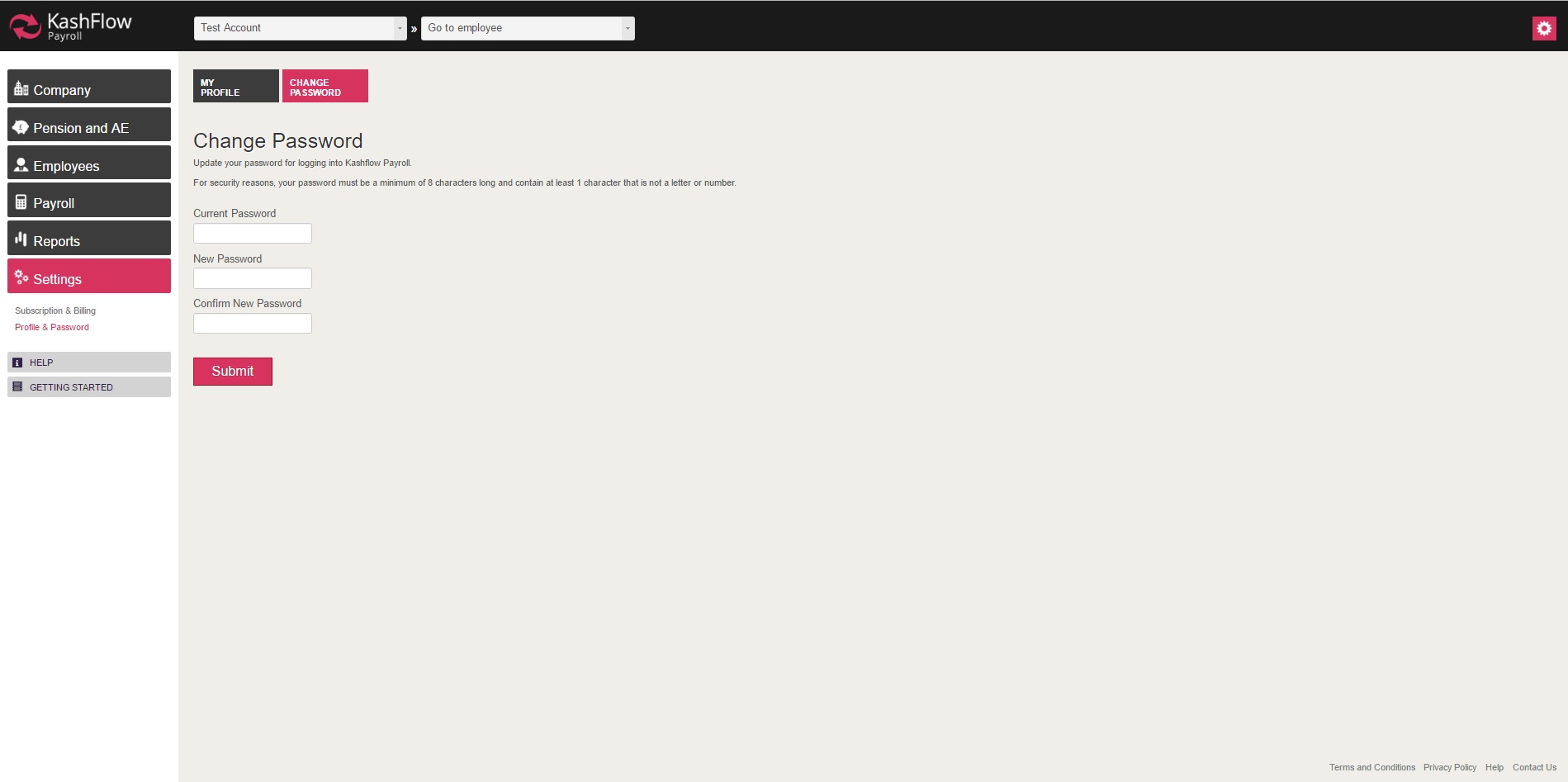
The Profile & Password is split into 2 separate sections. And it can be found by going to can be found via Settings > Profile & Password
Profile & Password
These will be the Payroll administration details, which you will have entered when registering for a Payroll account.
Should you wish to amend or update any one of the above, then you can do so by visiting the 'Profile & Password' section.
The customer and support reference can be used to identify a specific company record.
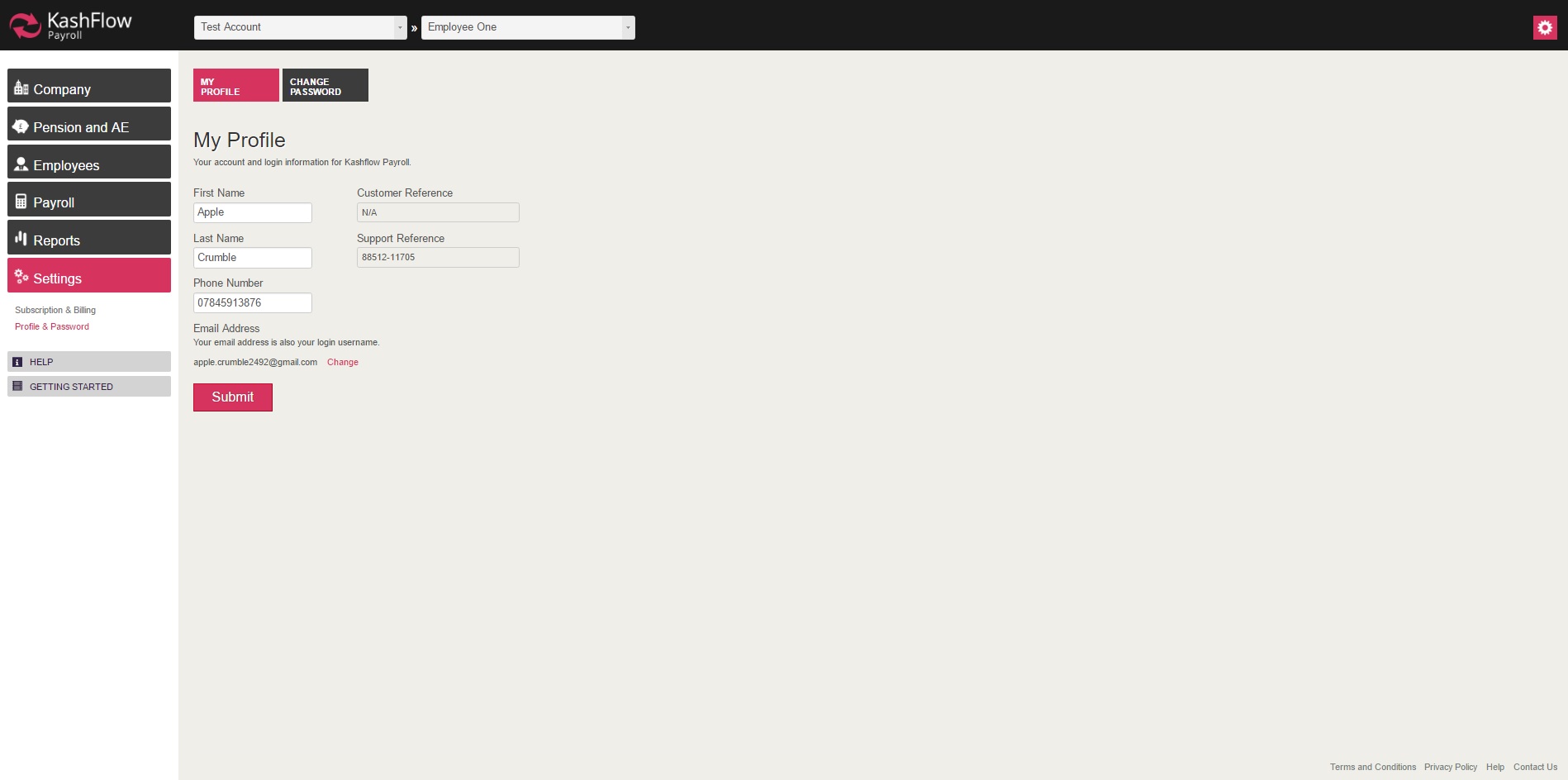
NOTE: If the phone number format is incorrect, then the RTI will fail. Therefore you will need to make sure that the information is correct.
Change Password
If you wish to change or update the Payroll password, then you will have to do so by visiting the 'Change Password' section on your Payroll account.
0 Comments