 Farzana
This article will guide you through the process of archiving a company record, whether if the company ceased traded or is no longer being processed via Payroll account.
Step 1 - to archive a company record you will need to go to: Company > Dashboard > Current companies
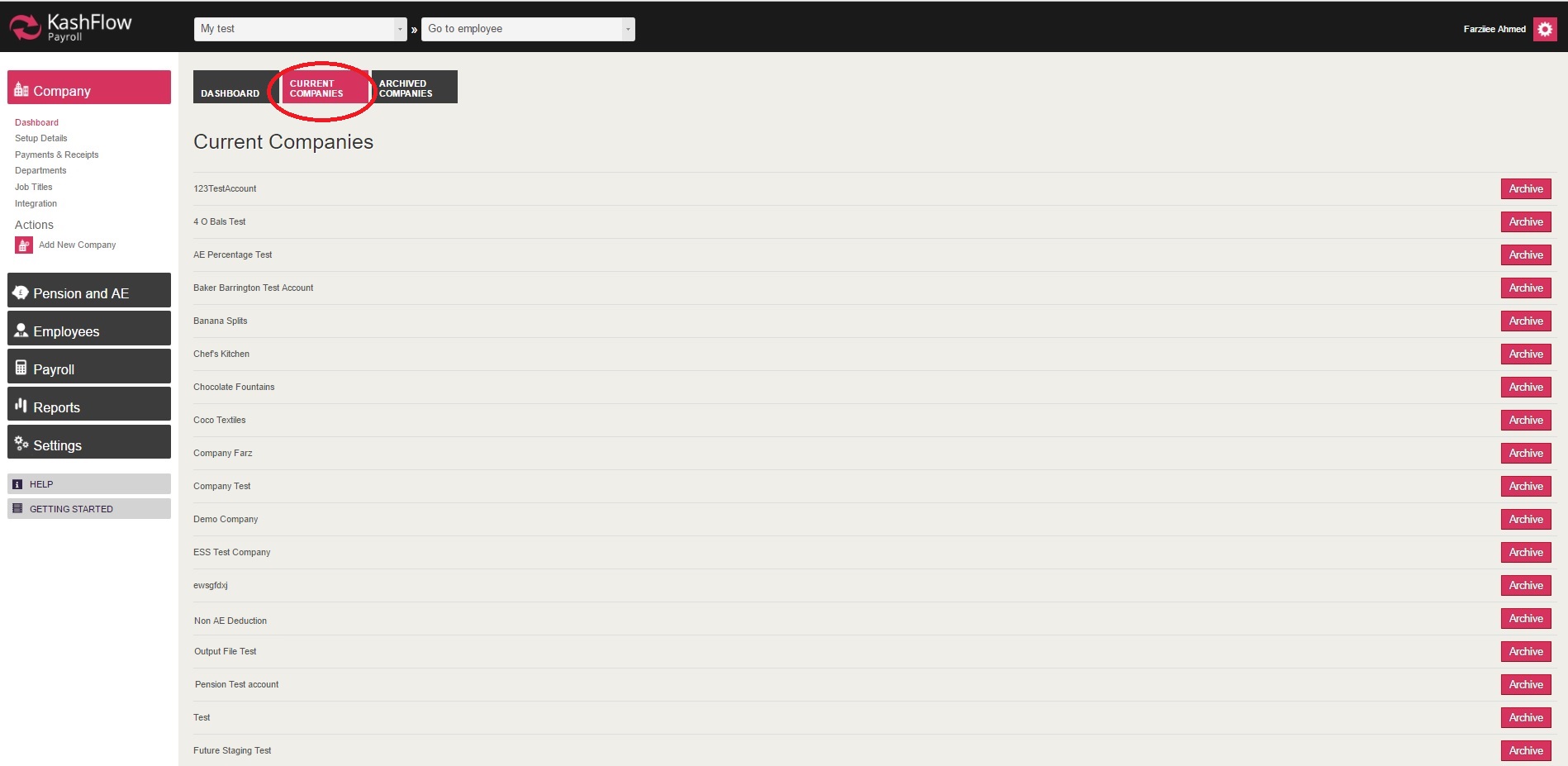
Step 2 - click on the 'Archive' option against the company which you wish to archive.
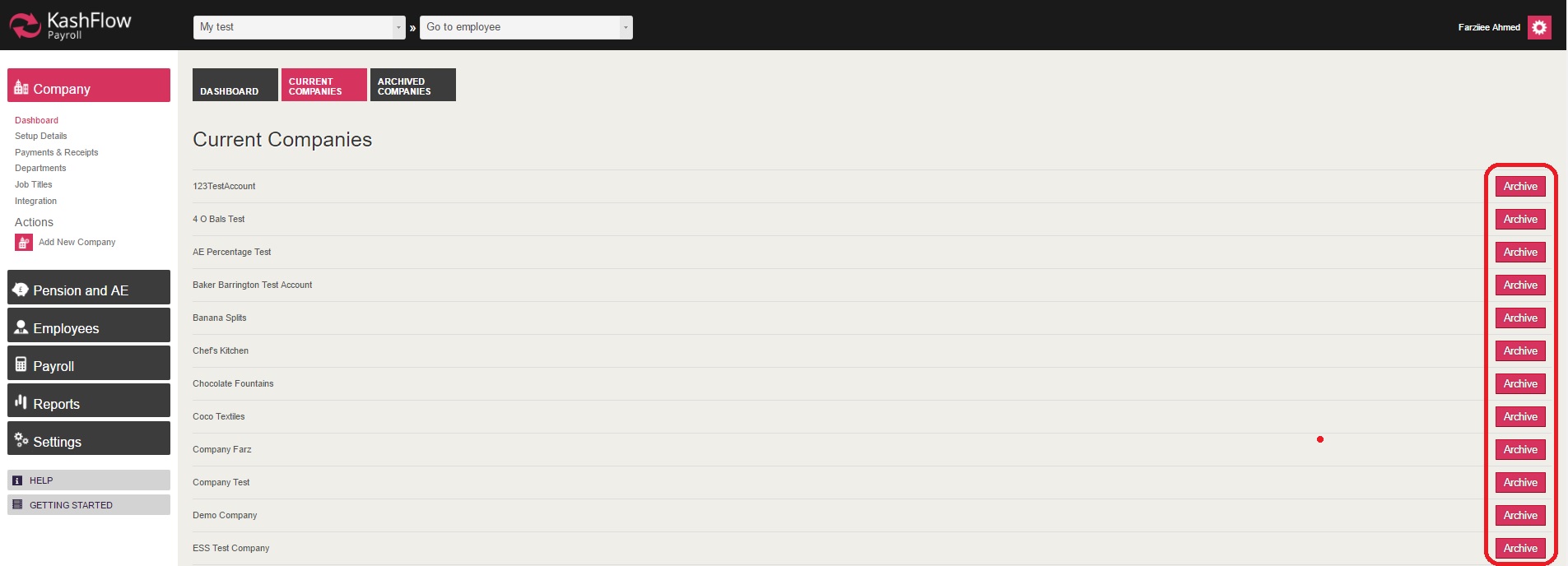
Once you have clicked on 'Archive', you will be navigated to a different page where you will be asked to confirm whether if you wish to 'Archive' company.

After ticking the confirmation and then clicking on 'Archive', the company record will be moved from 'Current' to 'Archived' Companies section.
Should you wish to revisit the company record, you can do so by going to: Company > Dashboard > Archived Companies.
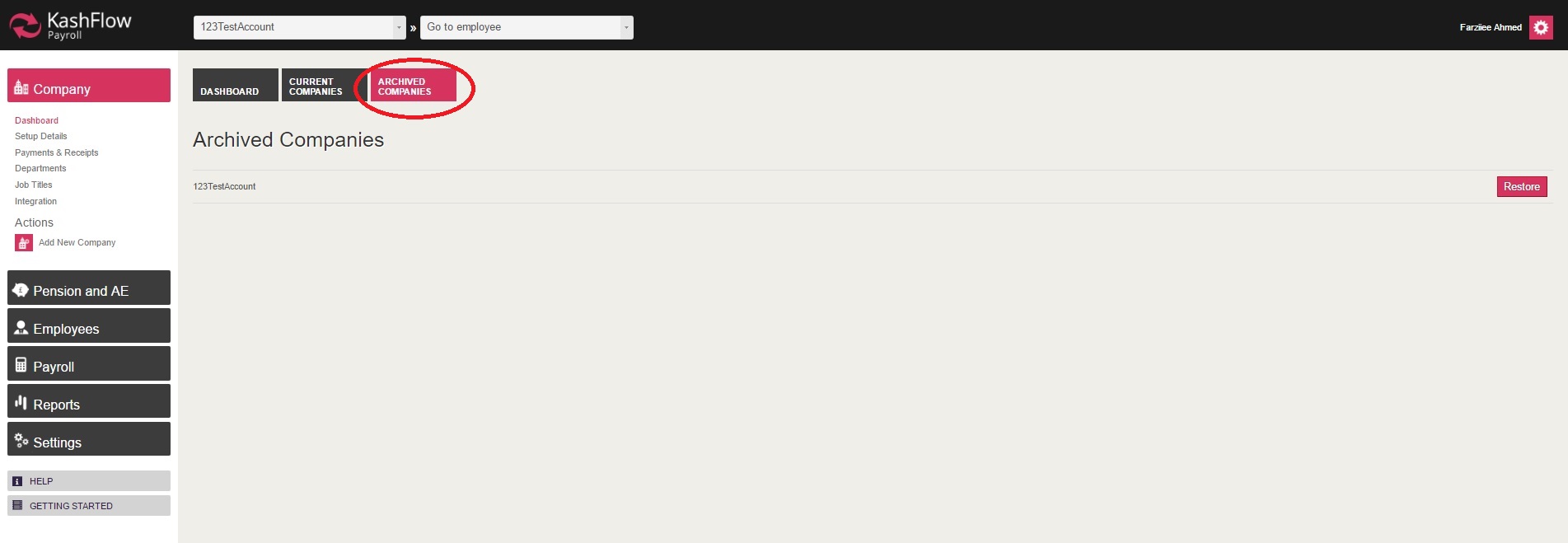
You should also be able to re-use the same company record, should you wish to do so. You will then need to click on 'Restore'.
Important - if an old company record is being restored, then please make sure that the period is up to date and details are correct before processing RTI submission
0 Comments