 Farzana
P60’s are completed and available for printing and providing copies to current/existing employees at the end of the tax year. P60’s cannot be given to employees that are about to leave/leaves at final period of the tax year.
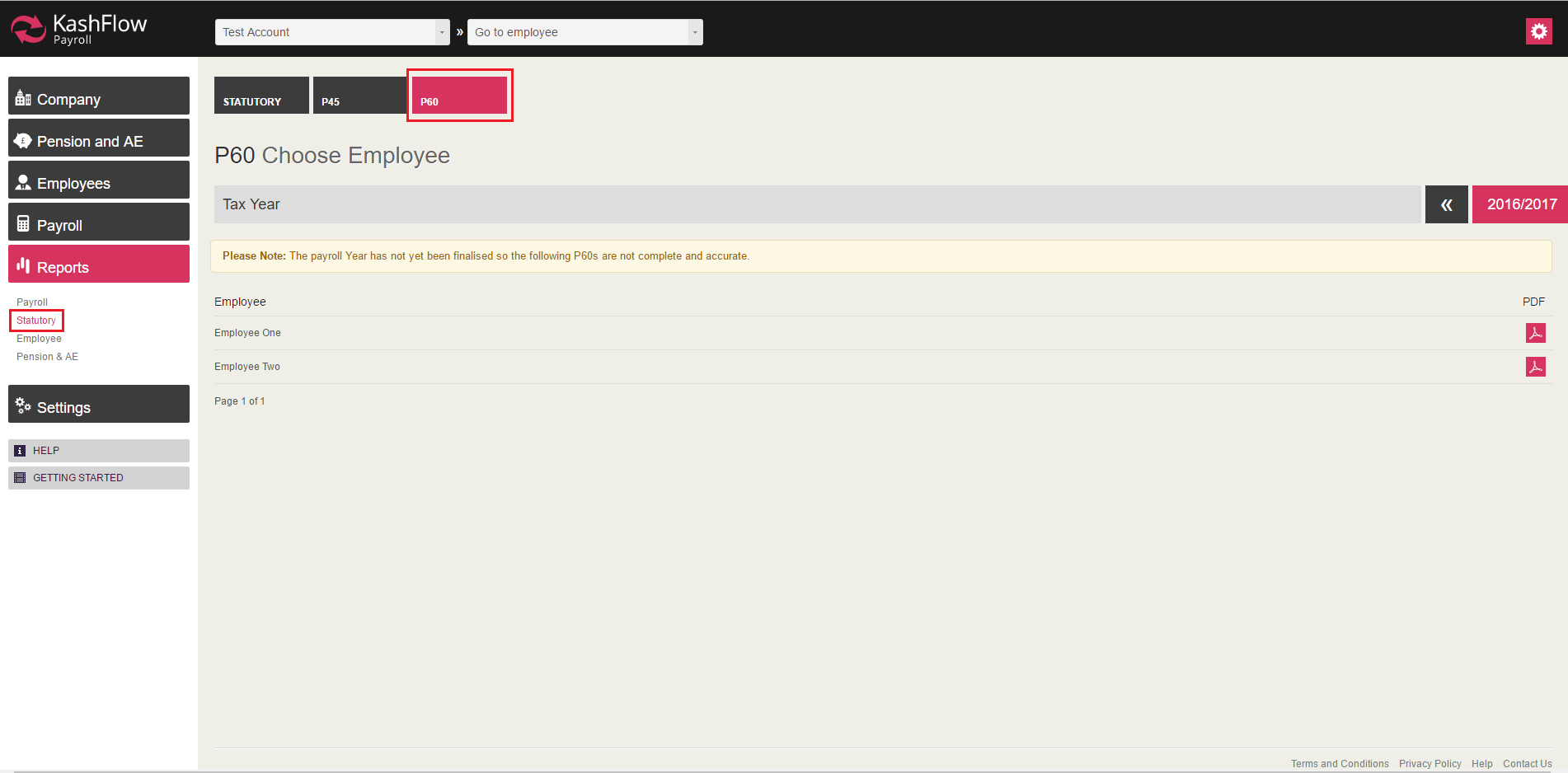
To print P60 at the end of the tax year you will need to go to: Report > Statutory > P60
Note:
You will be given the following message when viewing P60.

This message indicates that the tax year has not been completed and the P60 will not provide accurate figures for employee.
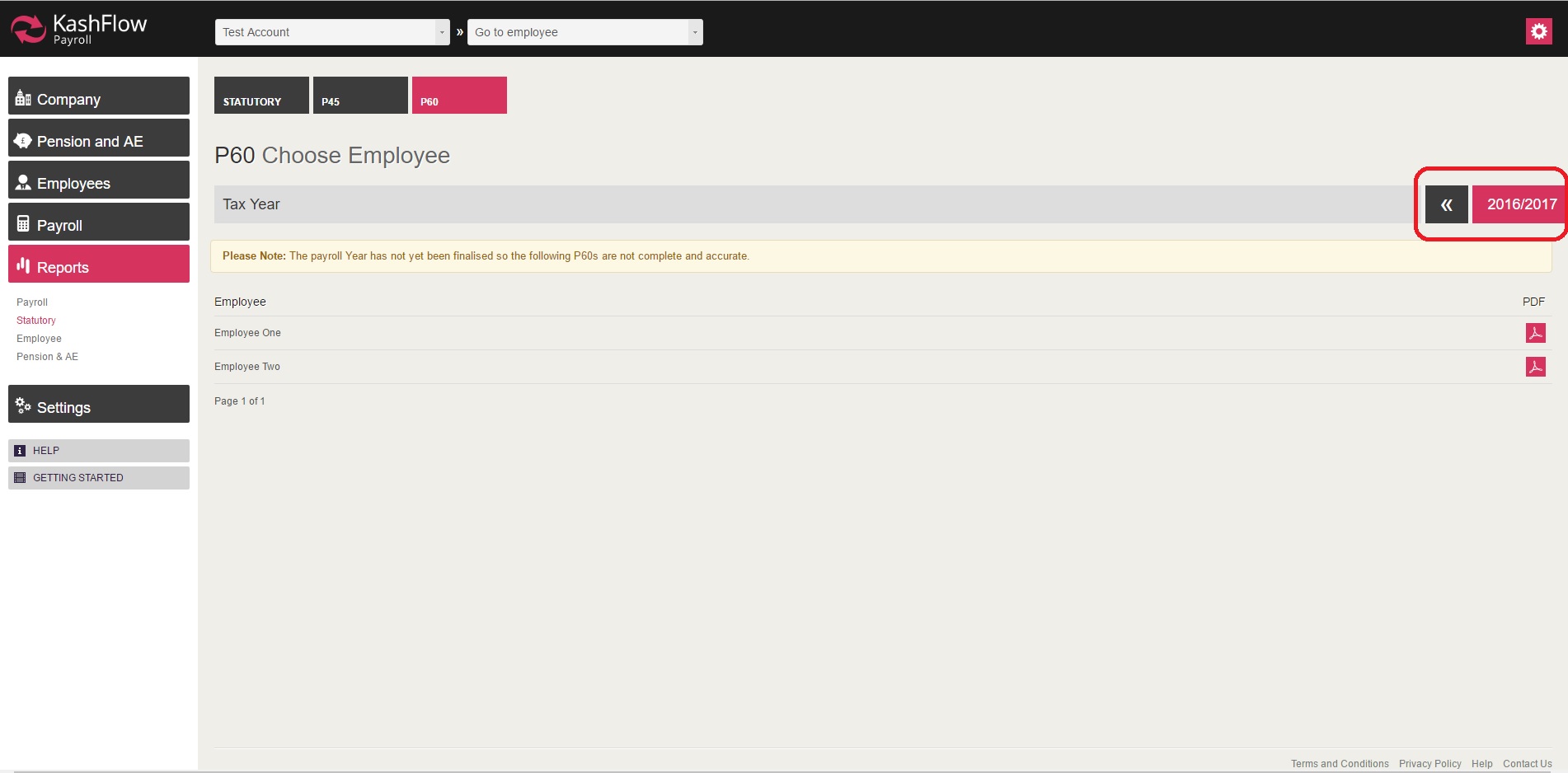
Should you wish to print P60 for previous tax year, you will need to click on the arrow (on top/middle right hand corner) to be taken to previous tax year.
0 Comments