 Farzana
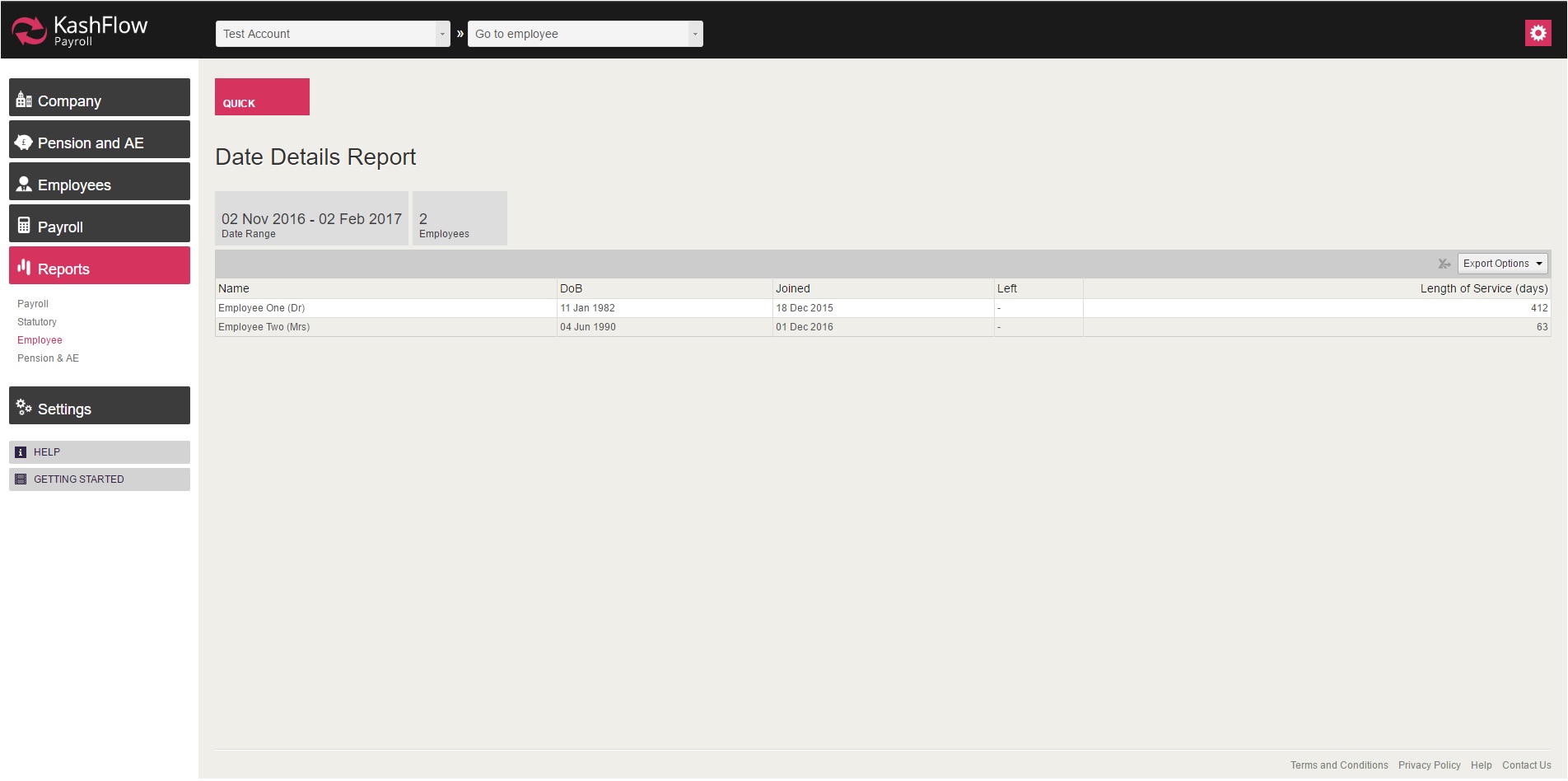
This report lists all the employees 'Date Details', including D.O.B, Join Date, Leave Date and length of service (days).
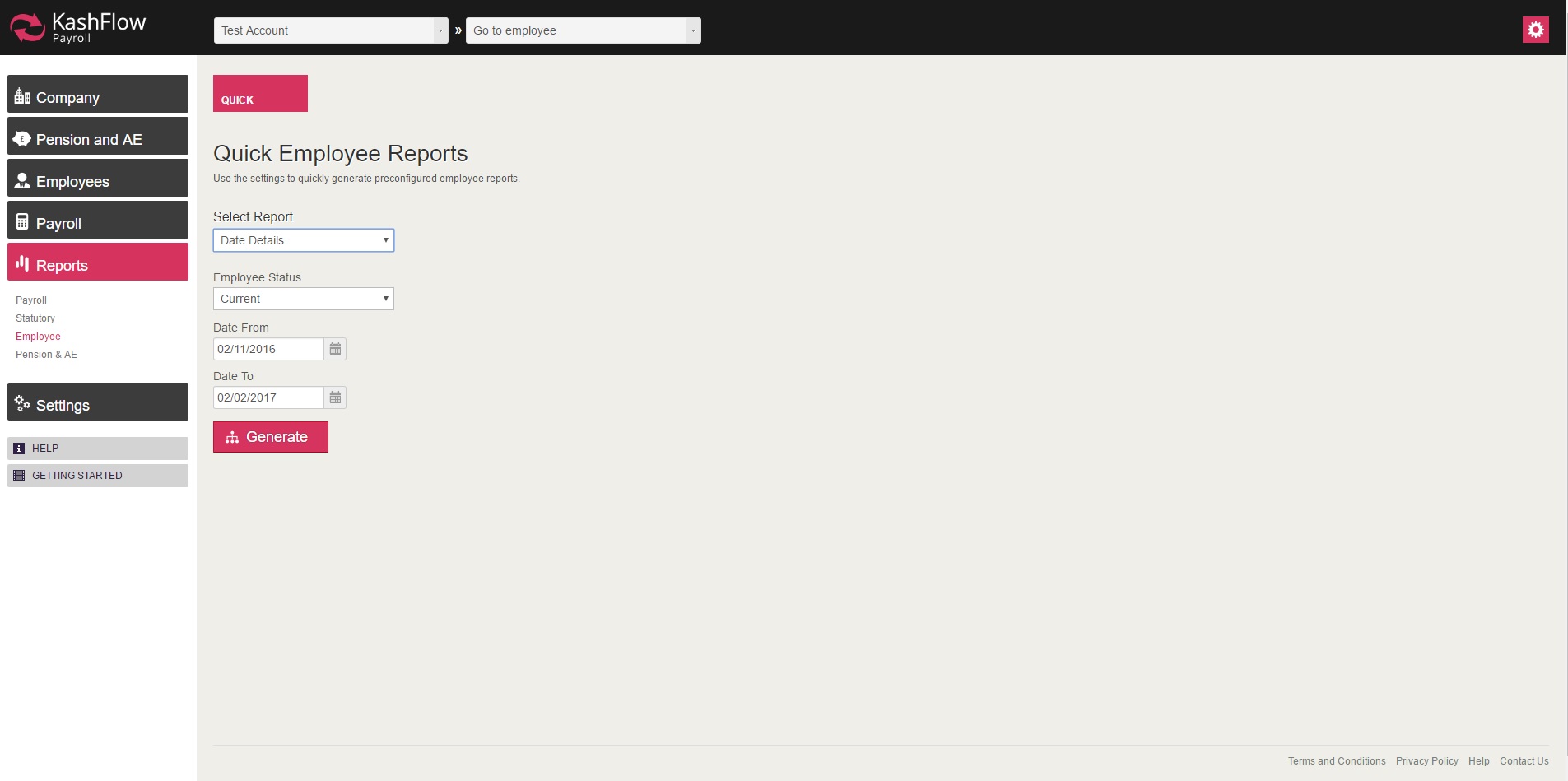
In order to access the report, you will need to go to: Reports > Employee > Select 'Date Details' > Select the date range and then click 'Generate'
NOTE:
- This report can be exported on a PDF or Excel format, by click on 'Export Options' on the top right.
0 Comments