 Farzana
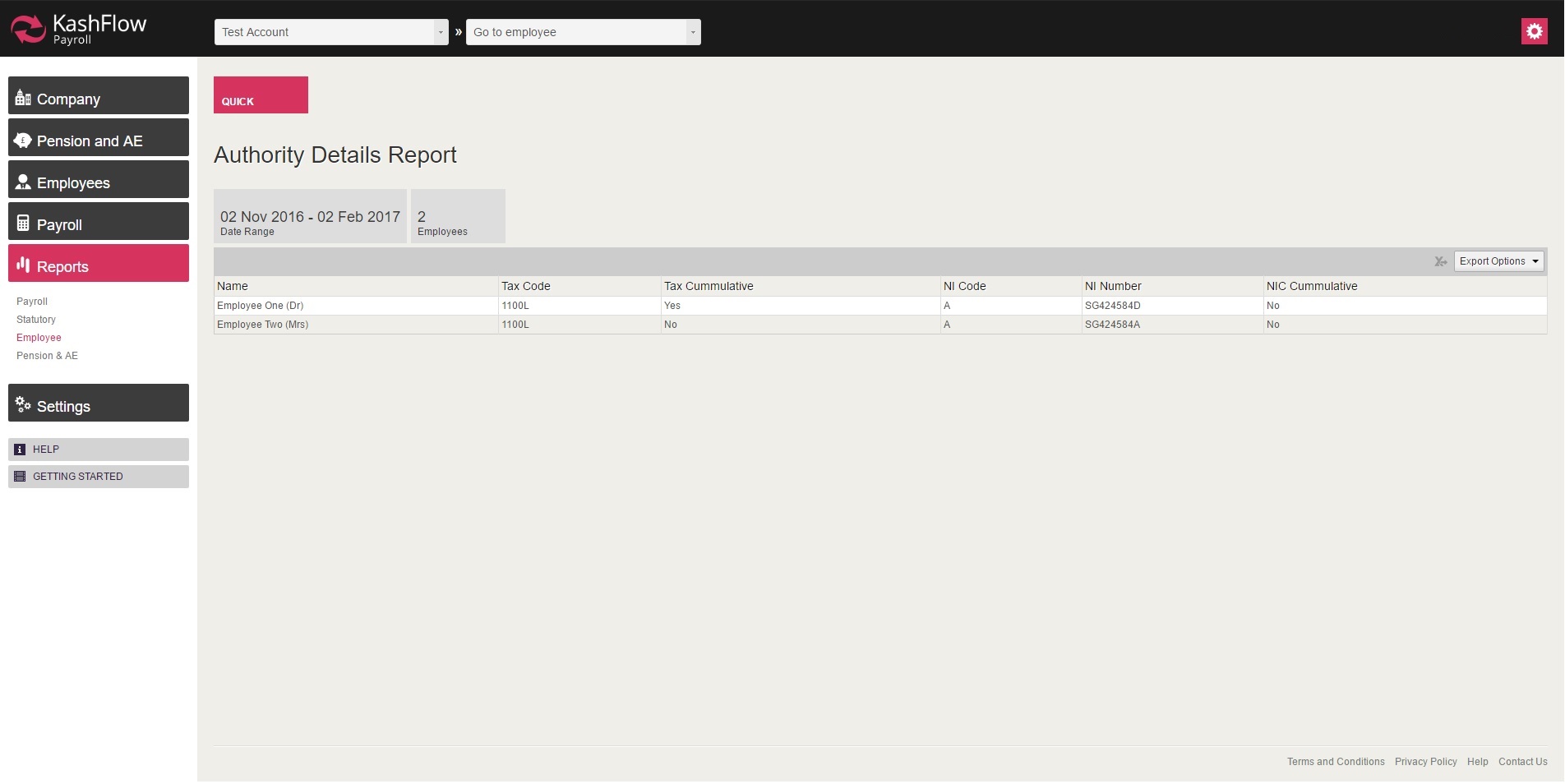
This report will enable you to view all the employees government codes.
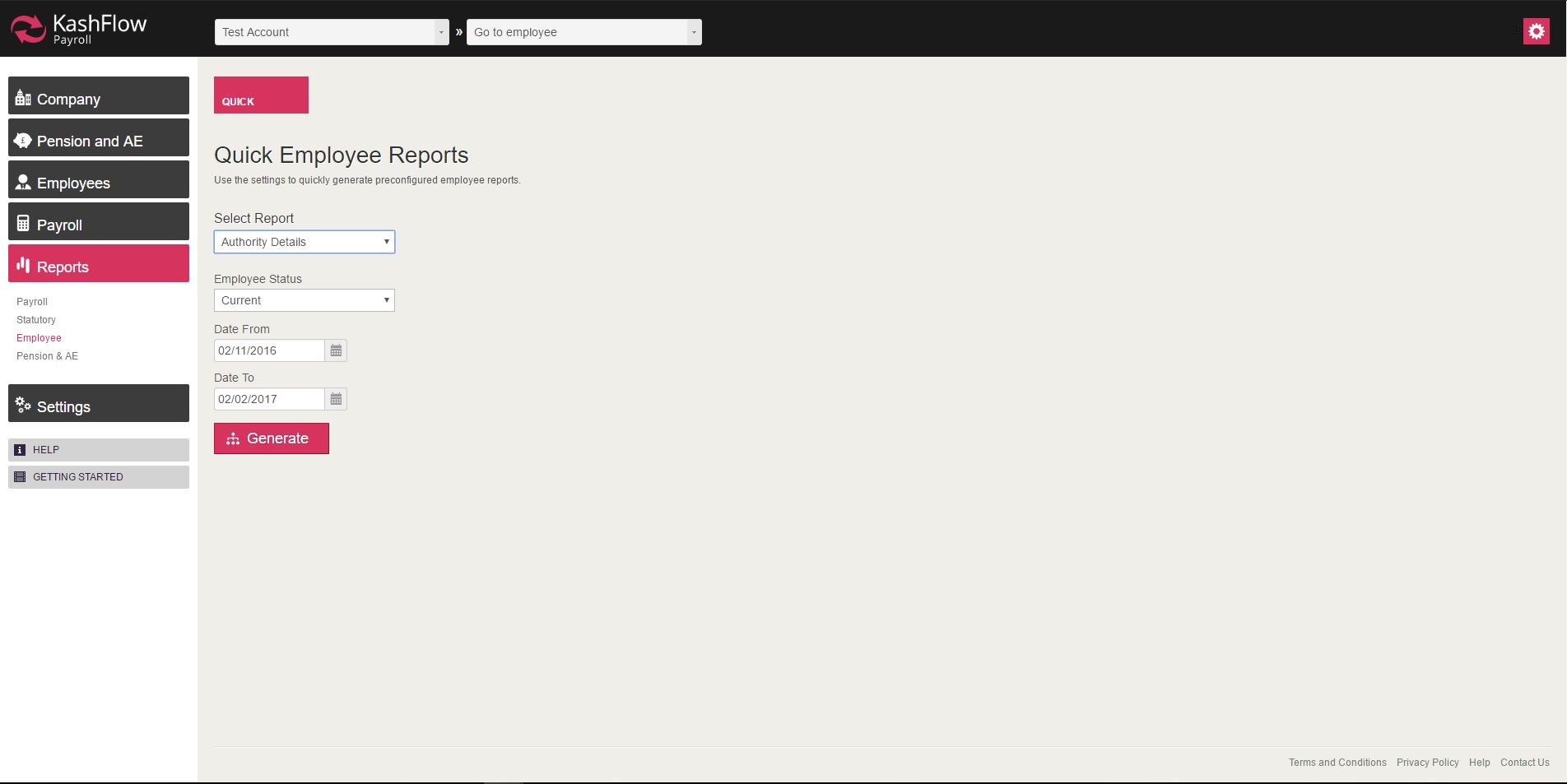
In order to access the report, you will need to go to: Reports > Employee > Select 'Authority Details' > Select the date range and then click 'Generate'
NOTE:
- This report can be exported on a PDF or Excel format, by click on 'Export Options' on the top right.
0 Comments