 Farzana
If an employee decides to come back for re-employment, then you can either reinstate the employee or make the employee as re-join using their existing record on your Payroll account.
Instructions:
To make an employee re-joiner, you will need to do as follows;
Click on 'Employee' from the drop-down menu on the left hand side and then go into 'Overview'
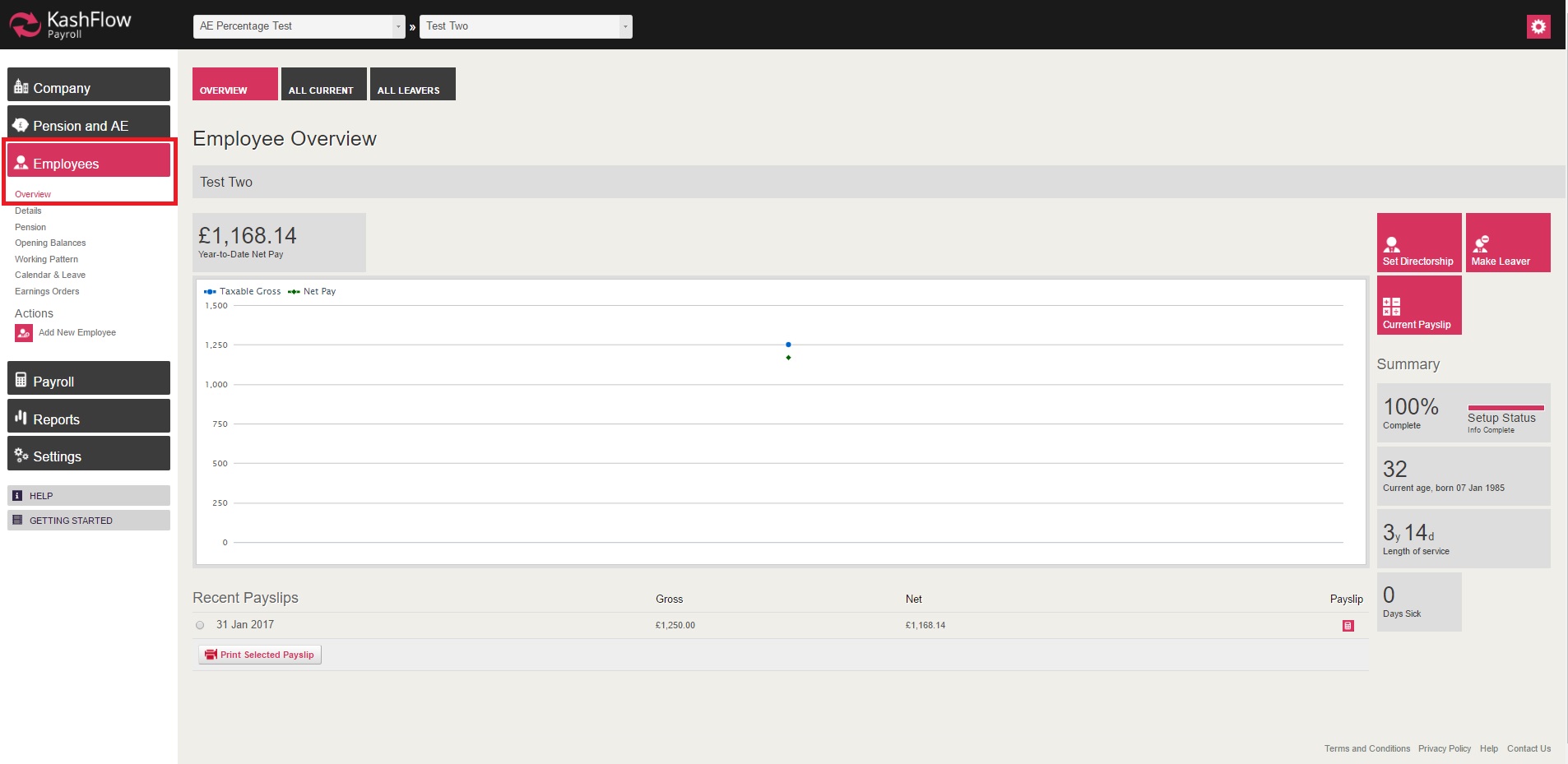
Once you are in the 'Overview' section, you will then need to go in to 'All Leaver', you will be navigated to the next page where all the leavers are listed.
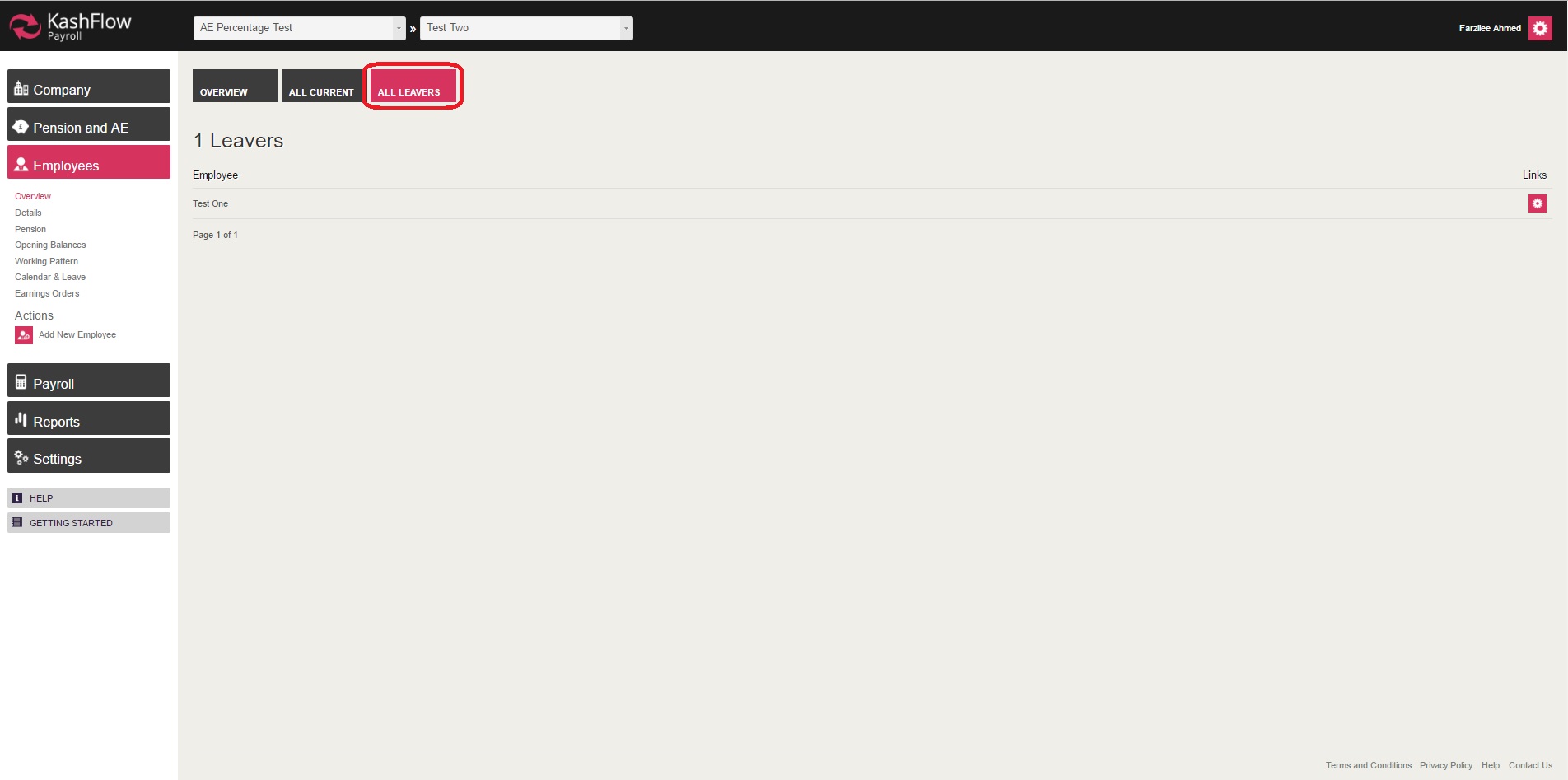 You will have to click on the employee (whom you wish update and make re-joiner) and you will then be taken into the leavers 'Overview' page.
On the leaver 'Overview' page you will need to click on 'Rejoin' and then fill in the required fields.

IMPORTANT:
- Making an employee a re-joiner will override the previous payment history and employee data record. Hence it is strongly advised to take copies of all relevant payslips and employee details before saving the re-joiner setting
- A new employee record should be created if they have been working for another company between the time they left and comes back for re-employment.
0 Comments