 Permanently deleted user
To create a KashFlow Payroll account go to go.kashflowpayroll.com and click on the sign up link in the top right hand corner of the screen.
At this stage, you will be asked to enter your name, email address and telephone number. Please note that this email address will be used as your login email address. You can change this at a later date.
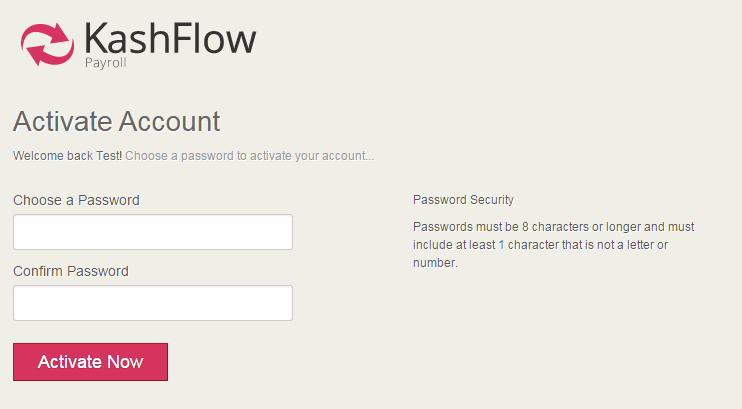
You must read the Terms of Use at this point before being allowed to continue. Once this is done, you will be sent an activation email that will ask you to create a password for KashFlow Payroll. Your password must contain letters, numbers and one character that is not a letter or a number, for example an item of punctuation such as a question mark.
Please note, if you do not receive your activation email within 60 seconds of sign up, please check that you have entered a valid email address or use the link at the bottom of the sign up screen that will re-send your activation email.
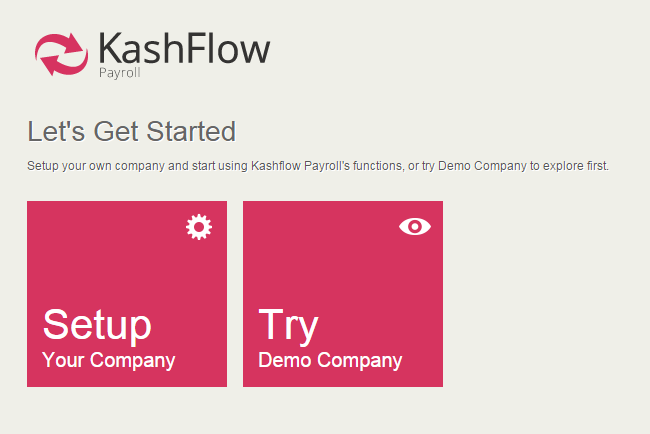
Upon successfully creating your password, you will be taken to the KashFlow Payroll setup wizard to add your first company, alternatively you can explore the system using the free demonstration company.
0 Comments